Put booking on your shop's website
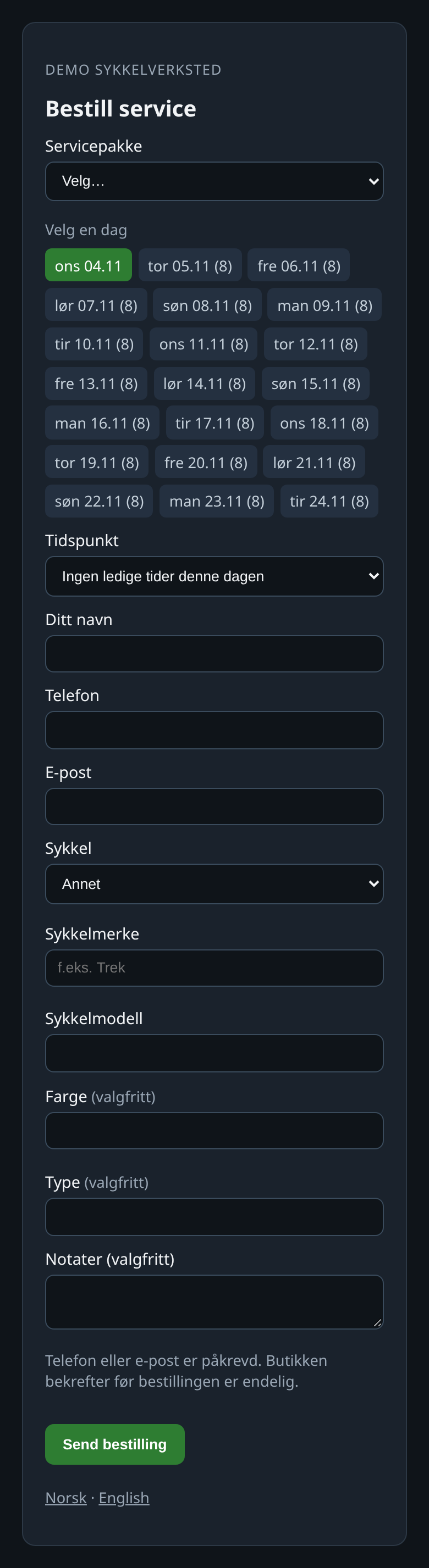
Customers book a service straight from your own website. The booking lands in Gravity Garage and waits until you confirm.
1. Turn on online booking
Customers hub → Online booking (as admin/manager). Set opening hours, slot length, capacity per day and open weekdays. Save.
2. Open "Put on your website"
You get a copy button for the booking link, ready-made button HTML, an embed snippet (iframe) and a small JS loader that shows the form inline and resizes with the page, a QR code and a live preview.
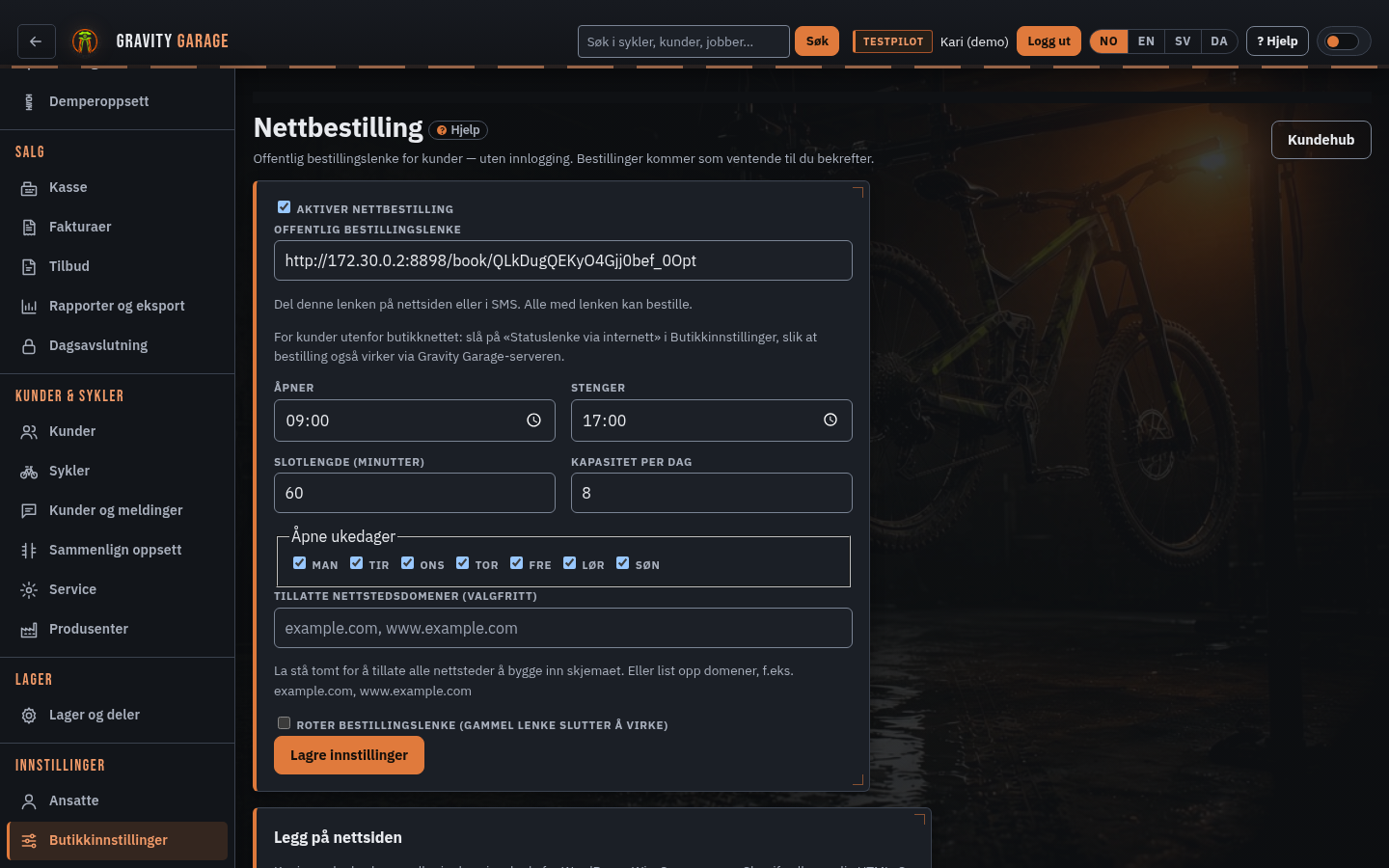
Optional: list allowed website domains (e.g. example.com) so only those sites may embed the form. Send to web admin: enter their e-mail, preview and send – the mail goes through your shop SMTP, nothing via Maybra.
3. Paste it into your website
- WordPress: Edit the page → Custom HTML block → paste the button HTML, iframe or JS loader → update and check on a phone.
- Wix: Add an Embed Code (iframe) element and paste the snippet – or a Button linking to the booking URL. Publish.
- Squarespace: Add a Code block and paste the iframe or button HTML (Business plans and up normally allow code blocks). Save and publish.
- Shopify: Online Store → Themes → Edit code, or a Custom Liquid / HTML section. Paste and preview on a phone.
- Plain HTML: Paste the link, button or iframe/JS loader into your page and upload.
What happens next?
Bookings stay pending until you confirm. Confirm creates a work order (with package lines when possible) and a calendar appointment. With "Status link via the internet" customers can book from home – only packages, free slots, shop name and language are synced; submitted bookings are deleted from the server once pulled.
Try Gravity Garage as a test pilot
Before the April 2027 launch, bike workshops can get a free licence for one location. You will receive the download link and licence key by email, usually within one working day.